
Raven Social 0.9.50 BETA
Release Channel: BETA
Platforms: Windows x64 and macOS Apple Silicon
Raven Social 0.9.50 BETA introduces improvements to content planning, Digital Asset Manager workflows, and desktop compatibility.
What's New
Plan Posts Directly from Your Assets
Right-click an asset in the Digital Asset Manager and select Plan a Post to bring that media into the existing post-planning workflow.
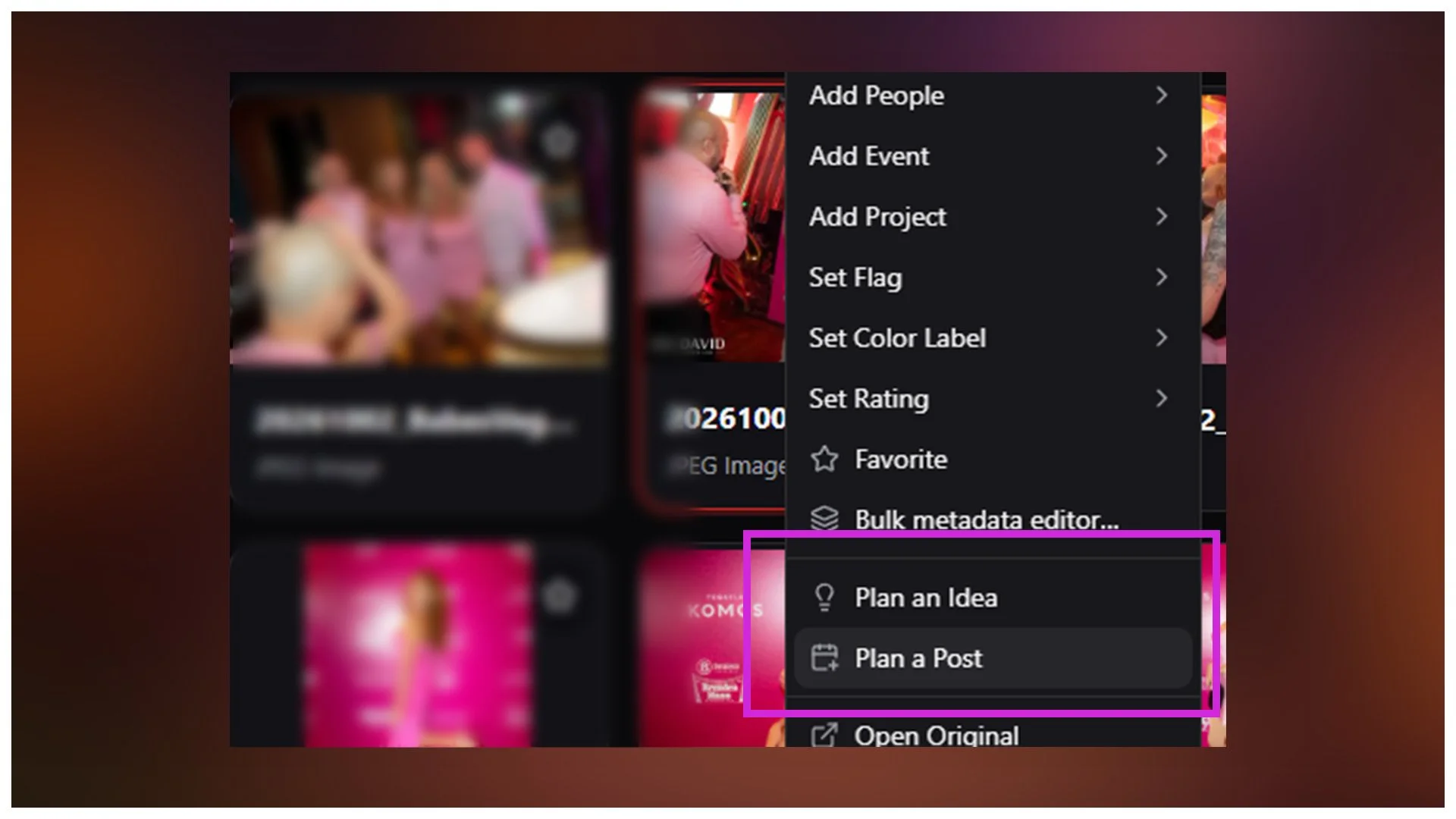
Turn Assets into Ideas
The new Plan an Idea action lets you start an Ideas Board entry directly from a selected asset, keeping your media connected to the creative planning process.
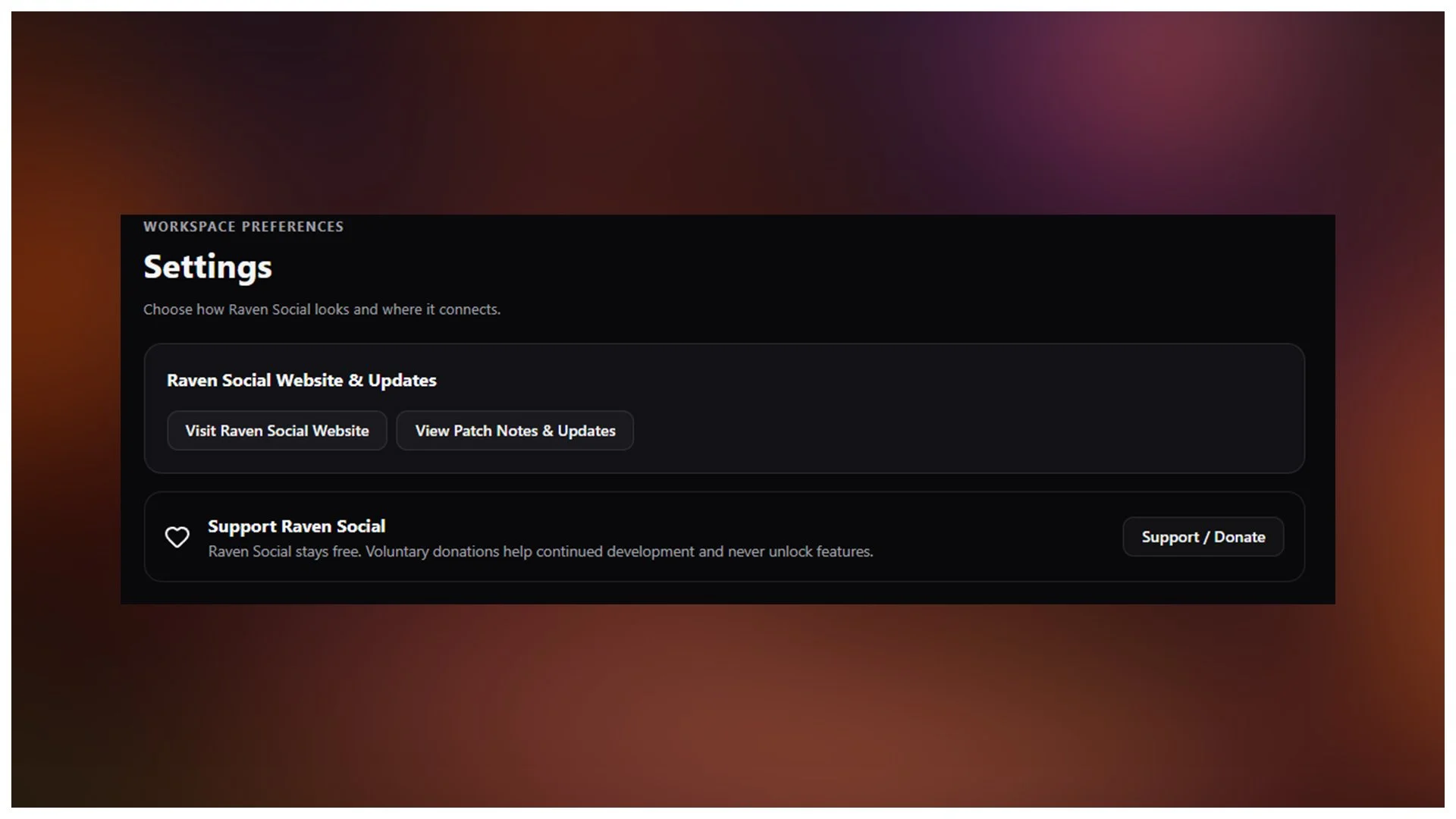
Official Website & Update Links
New Settings shortcuts provide access to the official Raven Social website and the latest patch notes.
Improvements & Bug Fixes
Improved handling of assets when original media drives are disconnected.
Improved workspace handling when transferring assets into planning workflows.
Corrected the Settings version display to reflect the installed application version.
Improved Windows packaging compatibility and installer verification.
Expanded automated regression and data-preservation testing.
Platform Updates
Windows x64
The Windows beta installer has successfully completed local packaging verification and native installation testing. An installation over the previous beta preserved existing Workspaces, Rolodex contacts, Calendar entries, Ideas, and Digital Asset Manager content.
macOS Apple Silicon
The macOS beta build has successfully completed local packaging verification, installation, application launch, and same-version reinstallation testing.
Native testing confirmed that existing data remained intact and that the new DAM planning actions worked as intended.
Cross-Platform Build Consistency
Both beta installers were built from the same verified source commit, improving consistency between Windows and macOS development and testing.
Known Issues & Limitations
Automatic Cloud Synchronization
During native testing on both Windows and macOS, Auto-Sync did not complete synchronization after the configured interval.
Windows: Auto-Sync remained enabled at five-minute intervals without completing synchronization.
macOS: Auto-Sync remained enabled at ten-minute intervals without completing synchronization, including after an application restart.
In both cases, the application continued displaying an Unsynced Changes indicator.
The cause is under investigation. No automatic data loss was observed during these tests.
Workaround: Disable Auto-Sync temporarily and use the manual Sync button when transferring changes between devices. Review the synchronization comparison carefully before approving a merge, especially when both devices contain different unsynced changes.
Manual synchronization and merge functionality successfully completed testing on macOS. Additional Windows manual-sync testing remains pending.
Beta Testing Is Ongoing
Although major content-planning and data-preservation workflows have passed native testing, some functionality remains under evaluation, including additional Listening tests, cross-device synchronization scenarios, and recovery testing.
Users should maintain backups of important Raven Social data while using beta releases.
Looking Ahead
Development continues toward Raven Social V1.0, with priorities including:
Resolving the cross-platform Auto-Sync issue.
Expanding native desktop regression testing.
Improving synchronization reliability and conflict handling.
Completing remaining platform-specific release requirements.
Continuing stability, usability, and performance improvements.
Raven Social remains committed to being a free, local-first content planning application, with optional cloud synchronization and no required subscription.
Raven Social remains free to use. Optional community support helps fund continued development and does not unlock or restrict application features.
Visit https://www.ravensocial.org/ for more information, development updates, and future releases.
